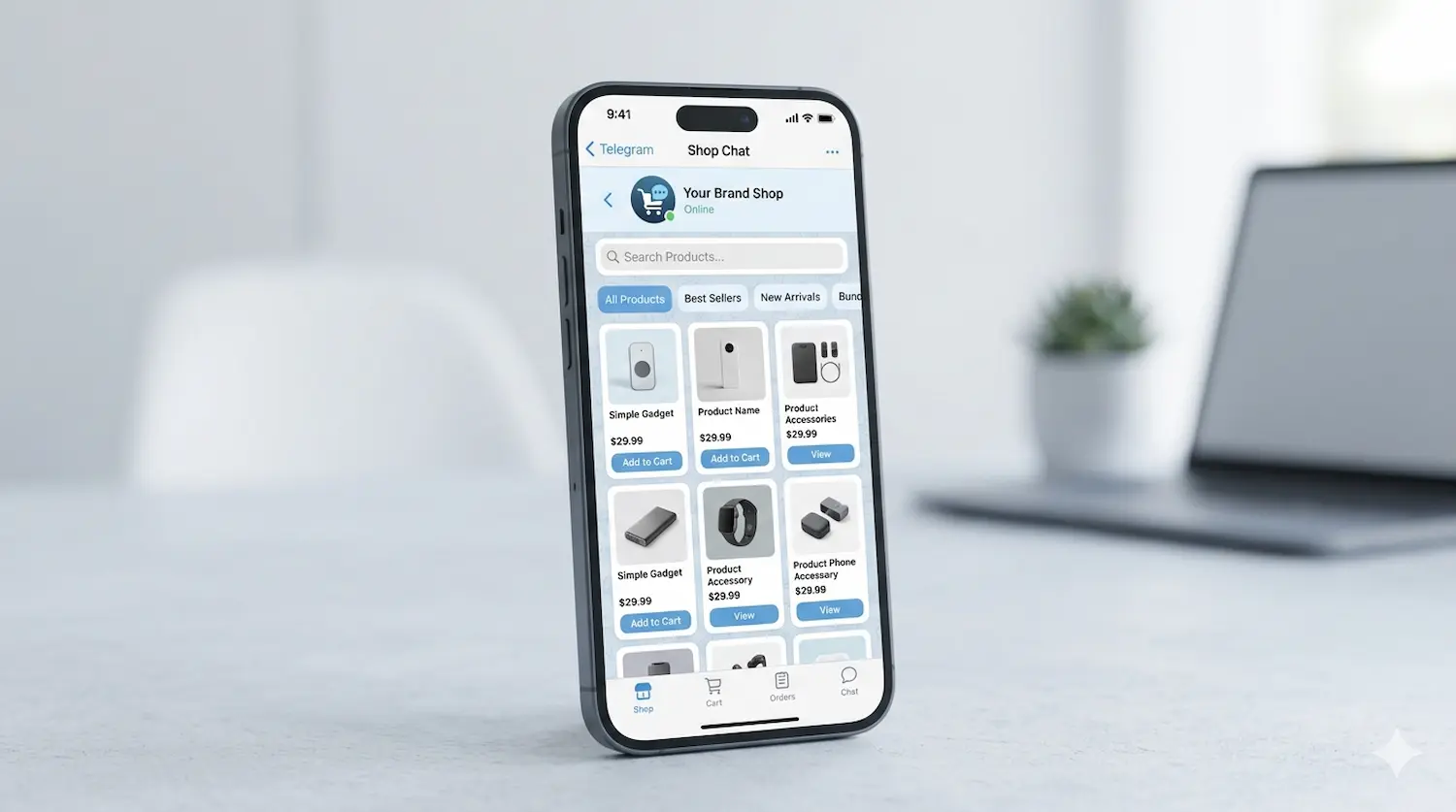
A strong telegram store product catalog helps customers find products faster, understand their options, and move to checkout with less friction.
That sounds simple, but many Telegram stores lose sales because their catalog is confusing. Categories are too broad, too technical, or overloaded with products that force people to scroll without direction.
The goal is not to show everything at once. The goal is to make buying feel easy.
In this guide, you will learn how to structure a telegram store product catalog so it is easier to browse, easier to manage, and more likely to convert.
Why catalog structure matters in a Telegram store
In Telegram, the buying flow is more compact than on a traditional ecommerce site. That means navigation has to work harder.
A messy telegram store product catalog creates friction:
- users do not know where to start
- products feel repetitive
- high-intent items get buried
- buyers leave before checkout
A clear catalog does the opposite. It helps users move from interest to action.
This also connects directly with Telegram Abandoned Checkout, because many drop-offs begin before the payment step. They start when shoppers cannot find the right product quickly enough.
Organize your catalog around how customers shop
The best telegram store product catalog is built around buyer behavior, not internal inventory logic.
Do not group products based only on backend naming or supplier categories. Group them based on how customers think.
The most effective category models are usually:
- by product type
- by use case
- by audience
- by popularity
- by price level
For example, instead of building a store around internal stock codes, build it around choices customers understand immediately:
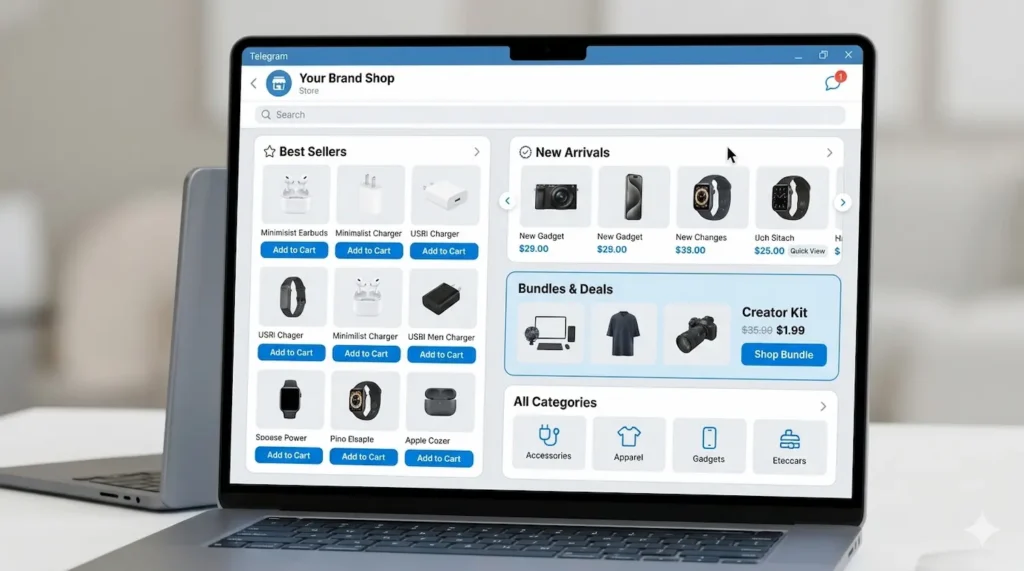
- Best Sellers
- New Arrivals
- Bundles
- Starter Packs
- Main Product Categories
This is especially useful when you are trying to grow early traction, as covered in How to Get Your First 100 Sales With a Telegram Store.
Keep top-level categories simple
A common mistake is creating too many category options.
For most stores, 4 to 7 main categories are enough. That gives users structure without overwhelming them.
A simple model could look like this:
- Best Sellers
- Core Category 1
- Core Category 2
- Core Category 3
- Bundles
- New Arrivals
That structure works because it gives buyers a fast entry point, clear browsing paths, and a natural place for upsells.
If your store is still developing, simple navigation often outperforms a “complete” catalog with too many choices.
Use category names that are instantly clear
Every category name in your telegram store product catalog should be easy to understand at a glance.
Good category names are:
- short
- specific
- familiar
- easy to scan on mobile
Bad category names are usually vague or too clever.
For example, instead of:
- Growth Essentials
- Performance Line
- Premium Picks
Use:
- Best Sellers
- Accessories
- Starter Packs
- New Arrivals
Clear labels reduce hesitation. That matters even more in chat-based shopping, where users make quick decisions.
Put your highest-intent categories first
Not all categories deserve the same visibility.
The first categories users see should be the ones most likely to convert:
- Best Sellers
- Most Popular
- Starter Packs
- New Arrivals
- High-demand product groups
Think of your category order as part of your sales strategy. Your telegram store product catalog should guide users toward the easiest buying decisions first.
This fits naturally with a well-structured telegram bot store for small businesses, where navigation needs to be fast, practical, and mobile-friendly.
Make room for bundles and cross-sells
A well-structured telegram store product catalog should also help raise average order value.
One of the easiest ways to do that is to create categories or sections for:
- bundles
- starter kits
- frequently bought together products
- premium versions
This helps users discover related products without feeling pushed.
For example:
- Single Product
- Bundle Option
- Premium Bundle
That kind of structure creates better product discovery and cleaner upsell opportunities.
Build a catalog that is easy to manage
A catalog is not just for customers. It also affects how easy the store is to run.
A weak structure makes it harder to:
- update stock
- hide sold-out items
- promote priority products
- move seasonal offers
- clean up old inventory
That is why a strong telegram store product catalog should support both conversion and operations.
This becomes even more valuable when paired with end-to-end Telegram store automation and a cleaner fulfillment flow like Telegram Order Tracking: A Simple Workflow From “Paid” to “Delivered”.
Common catalog mistakes to avoid
Here are the mistakes that hurt performance most often:
Too many categories
Too much choice makes the store harder to browse.
Vague labels
If users need to guess what a category means, they slow down.
No “Best Sellers” path
New visitors need an easy place to start.
Mixed buyer intent
Do not put entry-level and premium products in one confusing list.
No clear bundle logic
You lose easy upsell opportunities.
Out-of-stock products still getting attention
That creates frustration and wasted clicks.
Weak connection between catalog and checkout
A simple checklist for your Telegram store product catalog
Before publishing or restructuring your store, check this:
- Can a new user understand the catalog in seconds?
- Are your main categories based on how people shop?
- Are your highest-converting categories first?
- Do you have a Best Sellers or Featured section?
- Are bundles easy to find?
- Are category names short and obvious?
- Is the catalog easy for your team to update?
If several answers are no, your telegram store product catalog is probably slowing down sales.
Where better sales often begin
A better telegram store product catalog does not need more complexity. It needs clearer choices.
When categories are easy to understand, high-intent products are easy to find, and the path to checkout feels simple, customers move faster and buy with less hesitation.
That is often where better store performance begins — not with adding more products, but with making the store easier to browse and easier to buy from.
If you are reviewing your current setup, this is a good place to start: simplify the catalog, improve navigation, and make each category work harder for conversion. And if you want a more structured way to plan your setup, you can start your Telegram store setup with Trapyfy by sharing your products, catalog structure, and store goals.
Leave a Reply