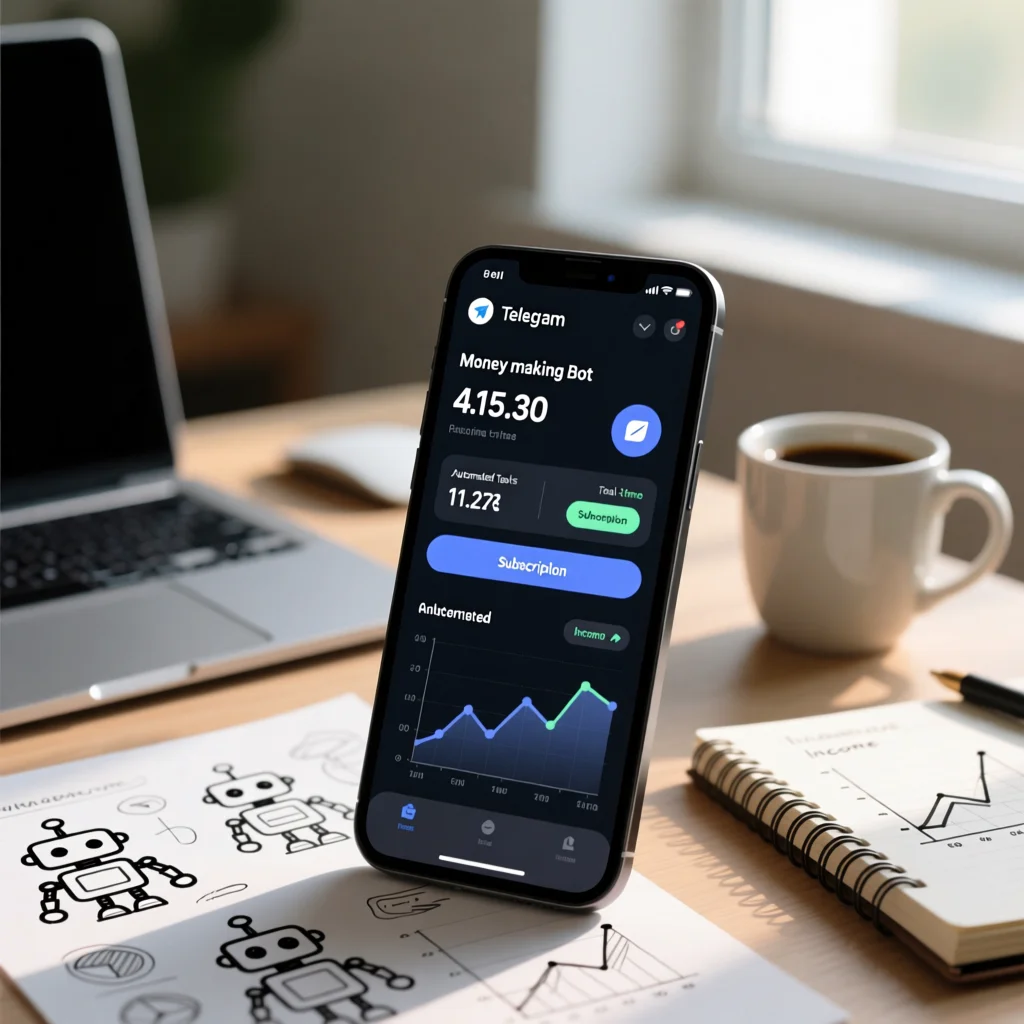
If you want to sell through Telegram, you don’t need to build a custom app or hire a full dev team. Today, you can create a Telegram shop without coding, connect payments, automate order flow, and start selling from chat.
This guide shows you exactly how to do it step by step—focused on real ecommerce execution, not generic bot theory.
Why a Telegram shop is different from a regular Telegram bot
A regular bot can send messages or answer commands. A Telegram shop is built to handle the full buying journey:
- Product browsing
- Add-to-cart style flows
- Checkout and payment
- Order confirmation
- Basic support and follow-up messages
That difference matters for revenue. If your setup is only “a bot with commands,” users drop before paying. A store flow keeps the process clear and conversion-focused.
What you need before launching your Telegram shop
Before you create a Telegram shop, define these basics:
1) Product structure
- What you sell (digital, physical, or services)
- Product variants (size, flavor, color, etc.)
- Pricing logic (fixed, bundles, upsells)
2) Payment method
- Card payments, crypto, or both
- Settlement preferences
- Refund and dispute policy
3) Fulfillment flow
- Delivery times
- Shipping zones (if physical products)
- Post-purchase updates
4) Support protocol
- FAQ quick replies
- Escalation to human support
- Response-time expectations
Getting these four points right before setup saves you from most launch issues.
Step-by-step: create a Telegram shop without coding
Step 1: Create your bot in BotFather
In Telegram, open @BotFather and run:
/newbot
Then set:
- Bot name (brand-facing)
- Bot username (must end with “bot”)
You’ll receive an API token. Keep it private and secure.
Step 2: Connect your bot to a no-code Telegram shop builder
Instead of coding everything from scratch, connect your bot to a no-code builder/platform designed for ecommerce workflows.
Look for these must-have features:
- Product catalog management
- Checkout flow builder
- Payment integrations
- Order dashboard
- Event tracking/analytics
- Team access and permissions
This is where most projects fail: they choose a generic automation tool instead of a real Telegram ecommerce platform.
Step 3: Build a conversion-first catalog
Don’t upload products randomly. Structure them for fast decisions:
- Clear category names
- Short product titles
- Benefit-driven descriptions
- Transparent pricing
- Variant selectors that are easy on mobile
In chat commerce, clarity beats creativity. Every extra click or confusing choice can cost you a sale.
Step 4: Configure checkout and secure payments
Your checkout must be:
- Short
- Mobile-friendly
- Trusted
Best practices:
- Ask only essential fields
- Show total cost early
- Confirm payment state in real time
- Send instant order confirmation
If possible, include at least two payment options to reduce drop-off.
Step 5: Automate your order lifecycle
A good Telegram shop software setup automates:
- New order notifications
- Payment confirmation
- Fulfillment status updates
- Failed payment reminders
- Post-purchase follow-up
Automation is the difference between manual chaos and scalable operations.
Step 6: Add trust elements before traffic
Before promotion, add:
- Refund policy
- Delivery/processing times
- Contact/support entry point
- Basic security statement
- Social proof (if available)
People buy faster when uncertainty is low.
How to create a Telegram shop that gets first sales
You don’t need huge ad budgets to start. If you want to create a Telegram shop that converts, use this sequence:
1) Start with warm channels
- Existing Telegram communities
- Your social audience
- Your email list (if any)
2) Give a launch reason
- First-week bundle
- Limited onboarding discount
- Free bonus with first order
3) Create a simple “first order” path
Send users directly to:
- One category
- One bestselling product
- One clear checkout flow
Too many options kill early momentum.
Common mistakes that hurt Telegram shop conversions
Avoid these high-impact errors:
- Using a bot mindset instead of a store mindset
- Forcing long forms before checkout
- Offering only one payment method
- No abandoned-checkout recovery
- No analytics, so you can’t see where users drop
- No clear post-purchase communication
Fixing these usually improves conversion faster than adding new features.
Telegram shop launch checklist
Before going live, confirm all of this:
- Bot identity and flow are consistent
- Catalog is clean and mobile-readable
- Checkout works end-to-end
- Payment confirmations are instant
- Orders appear in your dashboard
- Customer messages and support path are active
- Tracking is enabled for key events
- Recovery flow exists for failed/abandoned payments
Use this checklist every time you create a Telegram shop for a new niche or audience.

Ready to launch? Turn your Telegram shop into revenue
If your goal is to sell in Telegram, don’t build a generic bot and hope for the best. Build a store system: catalog + checkout + payments + automation + tracking.
That’s how you create a Telegram shop without coding and move from idea to real sales faster.
FAQ
Do I need coding skills to create a Telegram shop?
No. You can launch with no-code tools if they include catalog, checkout, payments, and order automation.
What is the difference between a Telegram bot and a Telegram shop?
A bot can automate messages. A shop is designed for ecommerce flow: product discovery, checkout, payment, and order management.
How long does it take to launch?
A basic setup can be live in a day. A well-optimized setup with policies, automation, and tracking may take a few days.
What payment methods should I enable?
At minimum, one mainstream method your audience trusts. Two methods generally improve conversion and reduce checkout friction.
How can beginners create a Telegram shop quickly?
Start with one product category, one checkout flow, and one trusted payment method. Then improve conversion weekly using analytics and user feedback.
Leave a Reply