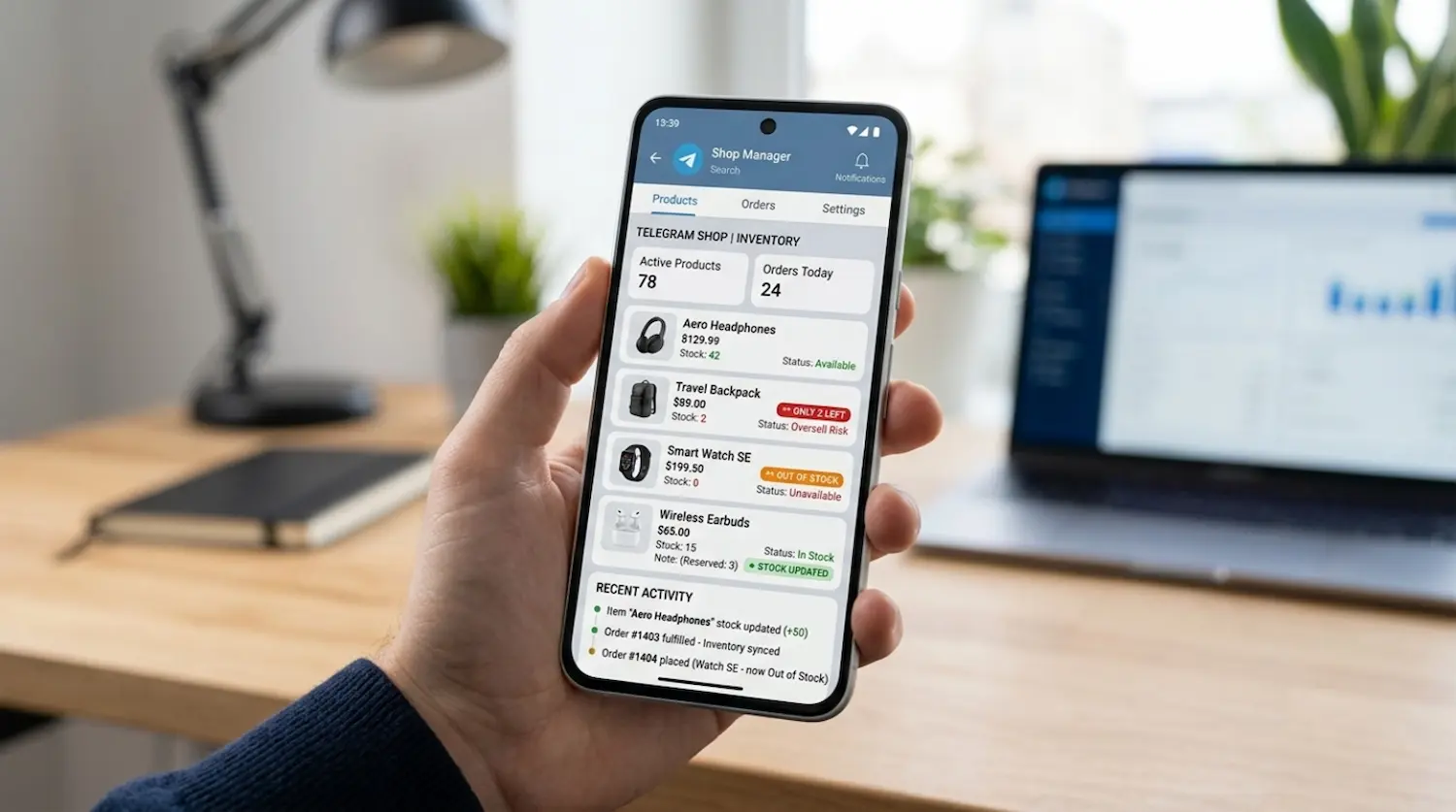
Telegram inventory management becomes critical the moment your store starts getting real orders, repeat buyers, and more than a handful of SKUs. At the beginning, many Telegram sellers can manage stock with manual checks, quick edits, or a small spreadsheet. That works until orders start moving faster than updates.
That is when overselling starts.
A customer pays for an item that looked available a minute earlier. Your team then has to explain the issue, offer a substitute, delay fulfillment, or process a refund. None of those options feels good for the customer, and all of them create extra work for your team.
In a Telegram store, this problem can grow fast because sales, product discovery, checkout, and customer communication all happen in the same environment. That speed is great for conversion, but it also means stock mistakes surface quickly if your operational rules are weak.
The good news is that preventing overselling does not require a huge team or a complicated warehouse system. In most cases, it starts with better rules, cleaner product structure, and clearer inventory logic.
Why telegram inventory management breaks down as orders grow
Overselling usually does not happen because a business “forgot inventory.” It happens because stock changes faster than the store updates.
In a Telegram-first setup, that risk tends to increase when:
- multiple people edit stock manually
- one product appears in several categories or promo flows
- variants are not tracked separately
- payment confirmation and stock deduction are not aligned
- low stock items stay visible too long
- inventory is updated in batches instead of in real time
This is also why a clean telegram store product catalog matters more than many teams think. If your catalog structure is messy, inventory mistakes become harder to spot and even harder to fix. Products with similar names, unclear variants, or duplicate listings create friction before the customer even reaches checkout.
A lot of operators assume overselling is mainly a payment issue. It is not. It is usually a store-logic issue.
When the catalog, checkout, payment flow, and stock updates are disconnected, the business starts depending on manual intervention. That may be manageable at low volume, but it does not scale well.
What overselling really costs a Telegram store
The obvious cost is refund work. The bigger cost is trust.
When a customer goes through a Telegram checkout flow and pays for an item, they expect the next message to confirm progress, not announce a stock problem. The more often this happens, the more your store starts to feel unreliable.
Overselling also creates second-order problems:
- support load increases
- delivery times become harder to predict
- team time gets pulled into exception handling
- repeat purchase confidence drops
- promotions become riskier to run
This is where your telegram order management workflow needs to connect tightly with stock logic. If the order moves to “paid” before the inventory state is truly controlled, the team is already reacting too late.
A Telegram store should feel simple for the buyer, but behind that simple experience there needs to be operational discipline.
Rule 1: Track stock at variant level, not just product level
This is one of the most common causes of overselling.
A store may show one product page, but the real inventory lives inside the variants: size, color, pack size, format, flavor, subscription tier, or delivery option. If you only track the parent product and ignore the specific variant, availability becomes misleading.
For example, saying a product is “in stock” is not enough if only one size remains and the customer selects another.
Variant-level tracking reduces this problem because it forces your stock logic to match the actual buying decision.
Use this rule:
- each sellable option should have its own stock value
- unavailable variants should stop being selectable
- low-stock variants should be easier to monitor than bestsellers with deep inventory
This also helps your product team write cleaner product entries and makes your catalog easier to maintain over time.
Rule 2: Reserve stock before you celebrate the sale
Many stores deduct stock too late.
They wait until a manual payment check, a delayed sync, or an admin update after the order is already visible. That creates a dangerous gap between customer intent and operational control.
A better model is stock reservation.
That means the item is temporarily held once the customer reaches a critical point in the buying flow, such as confirmed checkout intent or payment initiation, depending on how your setup works. If the payment completes, the stock converts from reserved to sold. If the payment fails or expires, the stock is released.
Why does this matter?
Because two customers can try to buy the last unit at almost the same time. Without reservation logic, both may appear successful until someone checks manually. With reservation logic, the system is much more likely to stop the second order before it becomes a support issue.
You do not need to make this more complicated than it needs to be. Even a basic reservation window is better than no reservation logic at all.
Rule 3: Use low-stock thresholds before products reach zero
Waiting for zero stock is too late.
Strong telegram inventory management includes low-stock thresholds that tell your team when a product is entering a risky zone. This is especially important for items that:
- sell quickly
- depend on manual replenishment
- have limited variants
- are promoted often
- create disappointment when unavailable
A low-stock threshold helps you make better decisions earlier.
For example, once a product hits a certain level, you might:
- pause paid promotion for that item
- reduce visibility in the store
- remove it from featured placements
- show a limited-stock message
- prioritize replenishment
- prevent bundle offers that depend on it
Low-stock alerts are not only about notifications. They are decision triggers.
If your team sees an alert but nothing changes in the store, the alert alone does not solve the problem. The real value comes from what the team does next.
Rule 4: Stop showing products that are not truly available
A product should not remain aggressively visible just because the page still exists.
This is a common issue in stores that grow quickly. A product gets featured in one flow, highlighted in another, and reused in a campaign message somewhere else. Inventory drops, but the store still behaves like stock is healthy.
That is how overselling becomes a repeat problem.
Build a simple visibility rule:
- high-stock items can stay in main navigation, featured sections, and campaigns
- low-stock items should be deprioritized
- unavailable items should be hidden, disabled, or clearly marked depending on your sales model
This is also where it helps to automate Telegram orders, stock, and customer support in a more connected way. The goal is not to automate everything for the sake of it. The goal is to reduce the number of manual stock decisions that depend on memory, screenshots, or ad hoc messages.
If inventory status changes, the store should behave differently.
Rule 5: Keep one source of truth for stock
Overselling gets worse when teams check different places for the “real” number.
One person looks at the bot. Another looks at a spreadsheet. Someone else checks payment records. A founder checks a pinned message. Support asks operations. Nobody is fully wrong, but nobody is fully synchronized either.
That is where mistakes multiply.
You need one source of truth for inventory. That means one place the business trusts when deciding whether a unit can still be sold.
Everything else should support that source, not compete with it.
Ask these questions:
- Where is the final stock count controlled?
- Who can change it?
- What event reduces available inventory?
- What event restores it?
- How quickly is availability reflected in the store?
If you cannot answer those questions clearly, the business is still vulnerable to overselling.
Rule 6: Define who can edit stock and when
Not every inventory problem is technical. Some are team problems.
When too many people can change product quantities, edit variants, duplicate listings, or override availability without a clear process, the store becomes unstable. Even good tools cannot fix messy permissions.
You need simple edit rules:
- who can change stock
- who can create or archive products
- who can adjust variants
- who can approve stock corrections
- how exceptions are documented
For small teams, even a lightweight process makes a difference.
A clean permission model also improves accountability. When stock changes are controlled, errors are easier to catch and easier to learn from.
Rule 7: Test your inventory logic during promotions, not just normal days
A store can look stable on a quiet week and then fail during a promotion.
That is why your inventory rules need to be tested under stress:
- limited drops
- bundles
- flash offers
- influencer traffic
- repeat-buyer campaigns
- high-intent community pushes
Promotions compress buying speed. In Telegram, that effect can be even stronger because the path from message to checkout is short.
Before any campaign, check:
- which SKUs are included
- what stock level each SKU has
- whether variants are tracked correctly
- what happens if two people order the last units
- whether low-stock behavior changes automatically
- what message appears when a product becomes unavailable
This protects both revenue and customer experience.
A simple telegram inventory management checklist for operators
If you want a practical operating standard, start here:
Your store is in a safer place when:
- stock is tracked at variant level
- one source of truth controls availability
- stock reservation exists before final confirmation
- low-stock thresholds trigger action
- unavailable products stop being promoted
- edit permissions are limited
- promotions are tested against real stock risk
- paid orders and available stock stay aligned
Your store is at risk when:
- inventory lives in multiple places
- products stay visible after stock turns critical
- variants share one generic quantity
- stock updates happen only at the end of the day
- support learns about stock issues from angry buyers
- the team handles exceptions one by one with no rule behind them
That is the difference between a store that reacts and a store that operates with confidence.
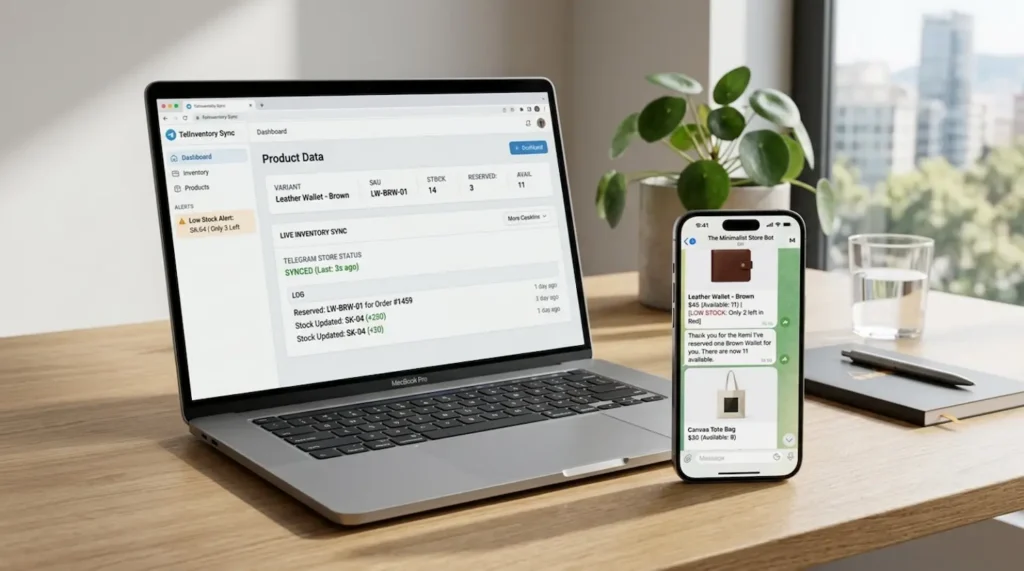
Prevent overselling without making the store harder to run
The goal is not to build a heavy, over-engineered system.
The goal is to make your Telegram store more reliable without slowing the team down.
That usually means:
- cleaner catalog structure
- clearer stock rules
- better order-state logic
- fewer manual interventions
- better visibility into what is available right now
If you already have a live store, start with the products that create the most support load or the most sales. Fixing inventory logic on your top-moving items often gives you the fastest operational win.
If you are still setting up, this is the right moment to define the rules before growth exposes the weak points.
Build a Telegram store that can say “in stock” with confidence
Good telegram inventory management is not about making your backend look impressive. It is about protecting conversion, trust, and operational control.
If customers can move from product discovery to payment quickly, your stock logic needs to move just as cleanly behind the scenes.
That is what prevents overselling.
And that is what helps a Telegram store feel reliable as order volume grows.
If you want a faster path to the right store structure, checkout flow, payment setup, and operational logic, complete the Trapyfy Store Onboarding Intake and map your setup before stock problems start costing you sales.
Leave a Reply