
If you run a small business and want a faster way to sell, a Telegram bot store can become a high-conversion sales channel without the cost and complexity of a full custom app. You can showcase products, guide customers through checkout, accept payments, and automate follow-ups—all inside chat.
This guide is built for decision-makers and operators who want practical execution: how to launch, optimize, and scale a Telegram bot store with clear priorities, fewer mistakes, and better margins.
What is a Telegram bot store and how is it different from a regular Telegram bot?
A regular Telegram bot can answer commands, send messages, or manage simple interactions.
A Telegram bot store is purpose-built for commerce:
- Product discovery and browsing
- Cart-style selection flow
- Checkout and payment
- Order status updates
- Post-purchase communication
That difference is critical. If your setup is only “a bot with commands,” users often drop before buying. A Telegram bot store is designed to move users from interest to payment with minimal friction.
Why small businesses are adopting Telegram bot store models
Small teams adopt this model because it solves common growth pain points:
- Lower setup complexity than full custom builds
- Faster launch cycles for new offers
- Direct communication in the same environment where users buy
- Easier automation for repetitive tasks
- Better speed-to-revenue for lean teams
For many businesses, the value is not only “selling in chat,” but reducing the gap between traffic and checkout completion.
What you need before launching a Telegram bot store
Before building anything, define the foundation. This avoids expensive rework later.
1) Offer structure
- Core products/services
- Variants (size, format, tier)
- Bundles and upsells
- Refund terms
2) Payment stack
- Preferred methods (card, crypto, local options)
- Confirmation logic
- Failed payment recovery flow
3) Fulfillment workflow
- Delivery or access timelines
- Order confirmation templates
- Escalation path for exceptions
4) Support model
- FAQ quick replies
- Human handoff criteria
- SLA expectations for response times
5) Tracking setup
- Funnel events (view → checkout → paid)
- Source attribution
- Repeat purchase markers
The stronger this baseline, the easier it is to scale your Telegram bot store without operational chaos.
Step-by-step: how to create a Telegram bot store without coding
Step 1: Create your bot with BotFather
Inside Telegram, open @BotFather, run /newbot, set your bot name and username, and secure the API token.
Step 2: Connect to a no-code Telegram bot store platform
Choose a platform that supports real ecommerce operations, not only chat automation.
Must-have features:
- Product catalog management
- Checkout builder
- Payment integrations
- Order dashboard
- Automation rules
- Team permissions
Step 3: Build a conversion-first catalog
Structure your catalog for fast decisions:
- Clear categories
- Concise product names
- Benefit-first descriptions
- Transparent pricing
- Mobile-friendly variant selection
Step 4: Configure checkout and payment confirmation
Optimize for speed and trust:
- Minimize required fields
- Show total cost early
- Confirm payment status instantly
- Send immediate order confirmation
Step 5: Automate post-checkout operations
Automate repetitive flows:
- New order alerts
- Payment confirmations
- Fulfillment updates
- Failed payment reminders
- Re-engagement sequences
Step 6: Test the full purchase journey
Before launch, test as a customer:
- Product selection
- Checkout completion
- Payment confirmation
- Order communication
- Support escalation path
A Telegram bot store should feel simple and reliable from first click to confirmation message.
How to optimize Telegram bot store checkout and reduce drop-offs
Checkout is where most revenue is won or lost. Focus here first.
Practical checkout optimization checklist
- Use one primary CTA per step
- Keep copy short and action-oriented
- Remove non-essential fields
- Offer at least two trusted payment methods
- Add policy links near payment step
- Show clear “what happens next” after purchase
Trust boosters that improve conversion
- Refund policy visibility
- Delivery/access timelines
- Security statements
- Real customer proof (when available)
Small improvements in checkout clarity usually outperform adding new features.
Automation workflows that increase efficiency and repeat sales
A high-performing Telegram bot store should automate core lifecycle moments.
Essential automation flows
- Welcome flow for new users
- Browse-to-checkout nudges
- Failed payment recovery
- Post-purchase onboarding
- Reorder reminders
- Win-back sequence for inactive customers
Automation lowers support load and creates consistent customer experience across every order.
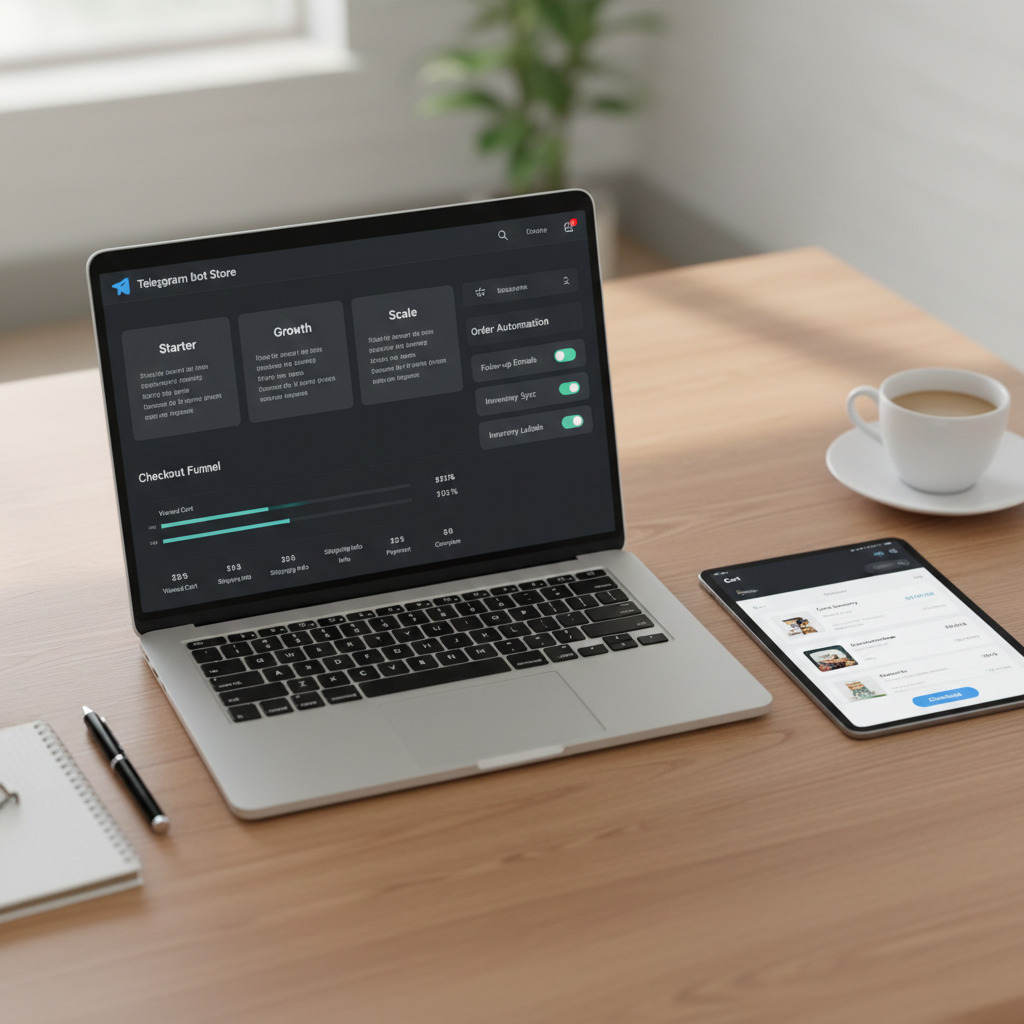
Security essentials for a trusted Telegram bot store
Security is not just technical—it affects conversion and retention.
Core security practices
- Keep bot tokens and credentials private
- Use role-based team permissions
- Audit payment and webhook events
- Restrict sensitive admin actions
- Maintain backup and recovery routines
- Monitor unusual order/payment behavior
A secure Telegram bot store protects brand trust and prevents revenue leakage.
Metrics to track weekly in a Telegram bot store
You don’t need dozens of dashboards. Track a focused scorecard:
- Traffic-to-checkout rate
- Checkout-to-paid conversion
- Failed payment rate
- Average order value (AOV)
- Repeat purchase rate
- Time-to-fulfillment
- Support tickets per 100 orders
Review weekly, improve one bottleneck at a time, and document what changed.
Common mistakes small businesses should avoid
Most underperforming stores share the same issues:
- Treating the bot like a generic chat tool instead of a store
- Overcomplicating early flows with too many options
- Ignoring failed payments and abandoned checkouts
- Launching without event tracking
- Choosing tools based only on monthly price
- Delaying support workflows until after scale
Avoiding these mistakes can improve results faster than adding new channels.
A 30-day action plan to launch your Telegram bot store
Days 1–7: Foundation
- Finalize offer, pricing, and fulfillment logic
- Set up bot and store platform
- Build core catalog and checkout flow
Days 8–14: Validation
- Test full purchase path
- Launch to warm audience
- Collect first conversion and support data
Days 15–21: Optimization
- Improve checkout steps
- Add failed payment recovery
- Refine product messaging and categories
Days 22–30: Scale basics
- Add re-engagement automation
- Expand traffic sources
- Track weekly KPI improvements
This phased rollout helps small teams launch faster while keeping quality high.
Build a Telegram bot store that compounds growth
A Telegram bot store is most powerful when it works as a system: catalog + checkout + payment + automation + analytics. That system gives small businesses speed, control, and the ability to improve margins over time.
If you execute the fundamentals in this guide, you won’t just “have a bot.” You’ll have a revenue channel that gets better every month.
FAQ
What is a Telegram bot store?
A Telegram bot store is a commerce-focused bot setup that allows users to browse products, complete checkout, pay, and receive order updates directly in Telegram.
Can I build a Telegram bot store without coding?
Yes. You can use a no-code Telegram bot store platform with catalog, checkout, payment, and automation features.
How long does it take to launch a Telegram bot store?
A basic setup can launch in 1–3 days. A fully optimized setup with automation and analytics may take 1–2 weeks.
What payment methods should a Telegram bot store support?
At minimum, support the payment methods your audience trusts most. Two or more options usually improve conversion and reduce checkout friction.
What are the most important KPIs for a Telegram bot store?
Track checkout conversion rate, failed payment rate, average order value, repeat purchase rate, and fulfillment speed.
Is a Telegram bot store suitable for small businesses?
Yes. It is especially effective for small businesses that need fast launch, low operational overhead, and direct customer communication.
Leave a Reply